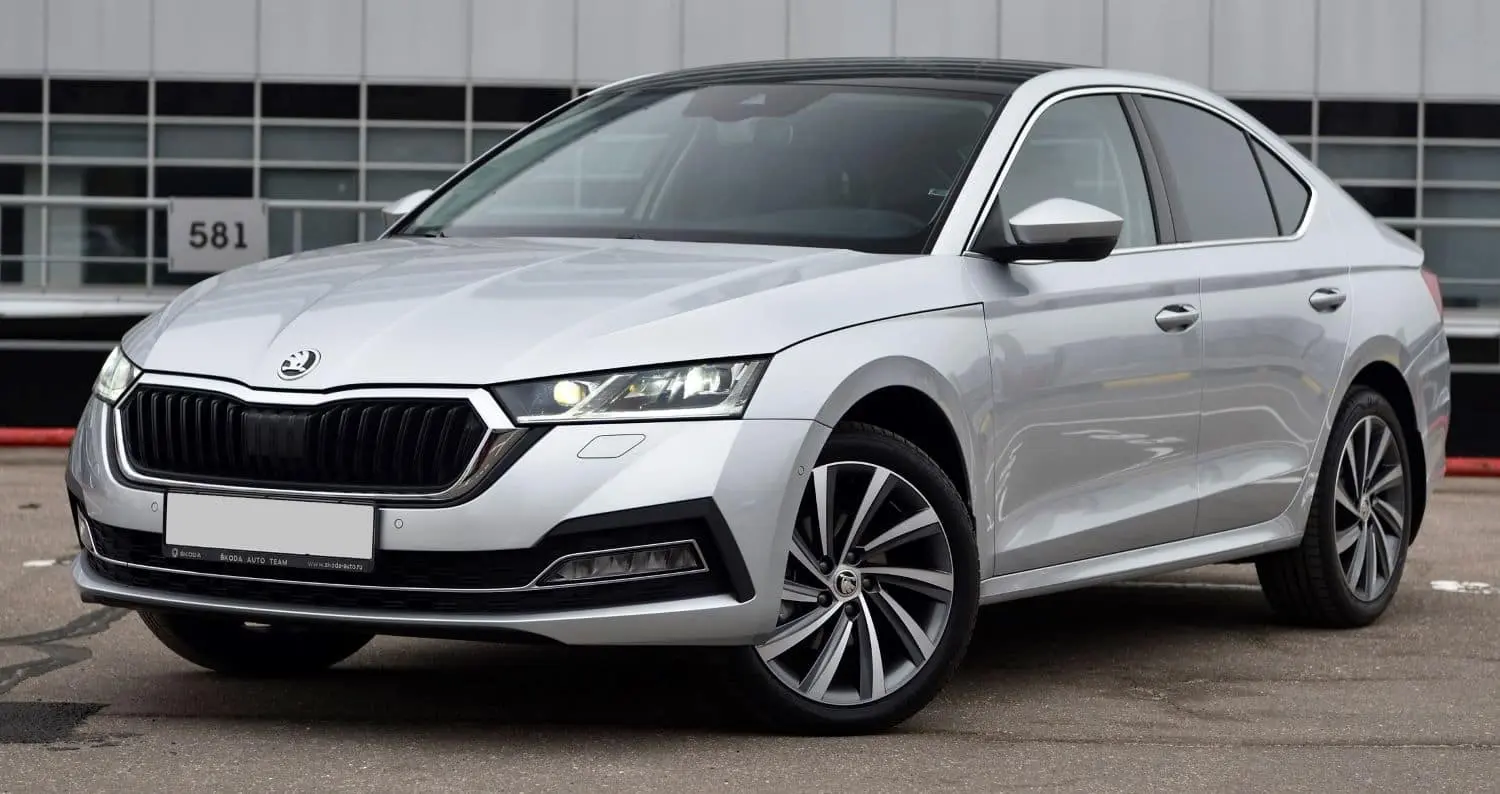
Skoda MirrorLink Nasıl Kullanılır?
In today’s fast-paced world, it’s important to stay connected while on the go. Thanks to advancements in automotive technology, drivers can now seamlessly integrate their smartphones with their vehicles.
MirrorLink, a popular connectivity feature, allows you to directly access and control your smartphone’s apps via the infotainment system of your Skoda car.
In this blog post, we will explain step by step how to use the MirrorLink feature in your Skoda car, which will allow you to benefit from the power of your smartphone while on the road.
Step by Step Guide to Using MirrorLink in Skoda
To use MirrorLink in a Škoda vehicle, a compatible smartphone and a Škoda infotainment system that supports MirrorLink are required.
To use MirrorLink on Skoda, follow these steps:
1. Check Smartphone Compatibility
Before diving into the world of MirrorLink, it’s important to make sure your smartphone is compatible.
If your smartphone doesn’t support MirrorLink, don’t worry! There are alternative connection options you can explore.
2. Connect your smartphone
To start using MirrorLink, connect your smartphone to your Skoda’s infotainment system via a USB cable.
Find the USB port in your car specifically designed for MirrorLink connectivity. Once connected, you’re one step closer to discovering a world of endless possibilities.
3. Enable MirrorLink on Your Smartphone
To establish a connection between your smartphone and the infotainment system, you need to enable the MirrorLink feature on your smartphone.
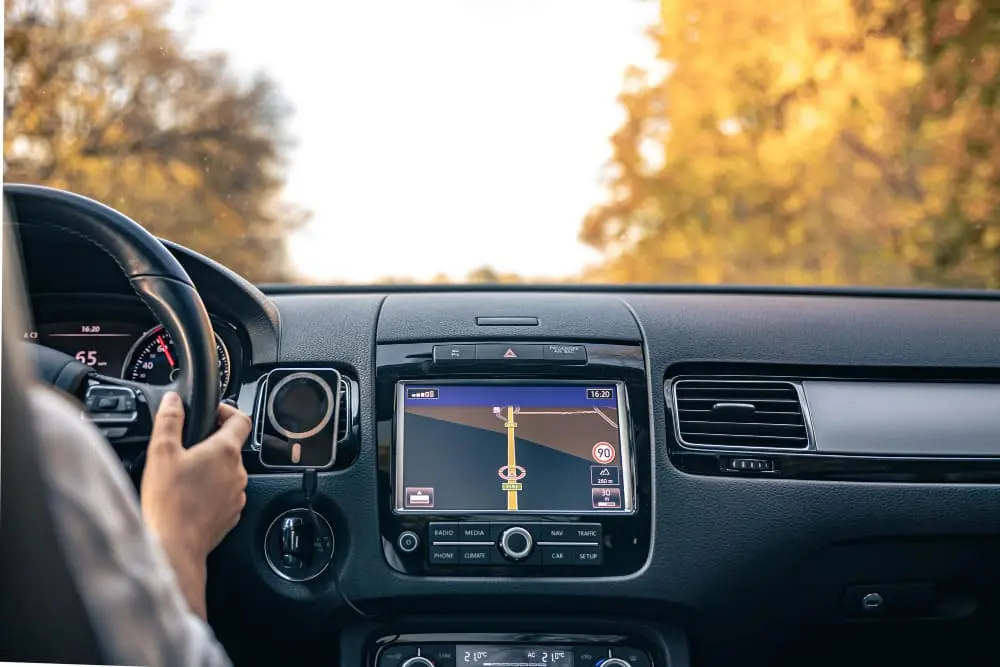
Go to the settings menu on your device and look for the MirrorLink option. Once you find it, activate it so that your smartphone can communicate with your Skoda’s infotainment system.
4. Enable MirrorLink in Infotainment System
On the infotainment screen, access the “Phone” or “Connectivity” section. Find and select the MirrorLink option.
The system will search for the connected smartphone and establish a secure connection.
5. Use MirrorLink
Once MirrorLink is successfully activated, Skoda’s infotainment system will mirror your smartphone’s interface.
You can access compatible apps and features by exploring an intuitive and familiar interface on the infotainment screen.
Whether it’s navigation apps, music players, or other supported apps, you can easily control them with your car’s touchscreen, physical buttons, or voice commands if available.
Security Issues
While MirrorLink increases connectivity, it’s important to keep security in mind. Some smartphone features may be disabled or limited when using MirrorLink, keeping your focus on the road.
During your trip, make sure you give your primary attention to driving in accordance with safe driving practices.
How to Disconnect MirrorLink?
Once your journey is complete or you no longer need MirrorLink,
simply follow these steps to disconnect it:
1. On your phone
- Open Settings.
- Go to Connected Devices or Bluetooth settings.
- Find MirrorLink and turn it off.
2. In your car
- Access the infotainment system menu.
- Go to Phone or Connections.
- Select MirrorLink and choose Disconnect or Forget Device.
3.For Bluetooth Connections
If MirrorLink is connected via Bluetooth, simply turn off Bluetooth on your phone or in your car.
4. For Wired Connections
Unplug the USB cable from both your phone and your car.
Solution
MirrorLink opens up connectivity possibilities in your ŠKODA and lets you benefit from the power of your smartphone while on the road.
By following the simple steps outlined in this guide, you can seamlessly integrate your smartphone into your infotainment system, giving you access to a range of apps and features at your fingertips.
Put safety first and benefit from the convenience and enhanced driving experience provided by MirrorLink. Stay connected, stay safe and make the most of your Skoda’s advanced technology!